


Why AI Agents Fail in Production (and How to Fix It)
TL;DR
- Most AI agents fail in production because of multiple reasons:
- No governance implemented
- Poor context management
- Fragile tool connectors
- Compounding errors across multi-step workflows
- If an agent, for example, has a 90% per step accuracy, this seems pretty high, right? Indeed, this looks good if you do a single step. But if you compound it across 5 steps, and across 10 steps, the math is not working in your favor any more: you get 59% accuracy for 5 steps, and 35% accuracy for 10 steps.
- Tool calls fail at meaningful rates in production environments, even in well-engineered systems.
- Lens Agents is the governed platform that can help you run AI agents on enterprise systems: any agent, any model, any environment in a single governance plane
Watch the video:
Agentic AI is increasingly present in production environments. Teams, regardless of their organization size, are wiring up agents for Kubernetes clusters, databases, infrastructure as code (IaC), ticketing systems, CI/CD pipelines, and more.
The models are good enough and can considerably speed up development time. The MCP ecosystem (even though some claim it is dead) has exploded. There are 97 million monthly SDK downloads.
Yet, in production environments, the numbers are not looking good: only 12% of enterprise agent initiatives reach production at scale, and Gartner predicts that 40% of agentic AI projects will be scrapped by 2027.
In this article, we will explore why AI agents fail in production environments, and see what you can do to actually change that.
Why is Production Different from Your Dev Environment in Agentic AI?
Every failed Agentic AI production project has a somewhat similar story. A small team from your organization starts working on an agent, runs it against test data, and everything seems to be looking great. Leadership teams are getting excited about this, especially because one of the KPIs nowadays is increasing AI consumption.
This demo gets promoted to the production environment, and things here become messy. The issue isn’t the model you are using, as OpenAI, Anthropic, Google, and others have pretty powerful models. The issues in production environments are:
- More data (and this data can be messy): You have typos, missing fields, ambiguous references, and edge cases that nobody anticipated
- APIs are unreliable: You face rate limits, schema changes, and sometimes undocumented behaviors under load
- Context accumulates: Multi-turn conversations and multi-step workflows that push past the context window of every model
- Things compound: One small error in one step of your workflow can cascade across the workflow
Most Common Failure Patterns
Let’s explore the most common failure patterns in Agentic AI that account for the most production breakdowns.
1. Context Failures
Most failures aren’t related to the model. If you give the model wrong information, too much information, or information that drifts over time, your model will make decisions based on noise.
There is a phenomenon called “lost in the middle”, which refers to a relationship between increasing the context length and decreasing the accuracy. Performance degradation is real. Even though a model’s spec sheet says it can use 200k tokens effectively, in reality it will use only around 50k tokens.
Teams typically treat context windows as infinite resources, dumping entire documentation libraries into every request, loading hundreds of past conversations, making the model lose focus on what actually matters.
Another common mistake is confusing RAG with agent memory:
- RAG fetches relevant documents and facts from an external knowledge base
- Agent memory tracks what happened across turns, sessions, and workflows
Using the wrong one for the wrong job can create over-engineered agents.
Here are a couple of things you can do to fix these issues:
- Be ruthless about context: Load only what the agent needs for the current setup
- Isolate sessions: If you context bleed across users or jobs, you are actually preparing everything an attacker needs for a data breach
- Validate retrieved content before injecting it: Stale docs or contradictory sources should be filtered at retrieval time, not left for the model to sort out
2. Fragile Tool Connectors
Tool calling fails at meaningful rates in production environments. Enterprise APIs were not designed to be called by AI agents; they have rate limits, data format inconsistencies, and undocumented behaviors that only surface under production load.
Teams estimate integration work based on API documentation, which usually describes ideal behavior. Production integration is different. You need to handle the gap between documented and actual behavior.
Schema errors are obvious failures, but credential failures are a different story. Expired credentials don’t look like agent problems; they are silent 401s or 403s that the agent doesn’t know how to handle. They will retry; the retry will fail; the agent will pick a different tool; that different tool will fail for the same reason, and so on. Until someone notices that, the agent has burned through tokens, hit rate limits, and produced an answer that looks confident, but it was built on none of the data it was supposed to use.
How to solve these issues:
- Every external call needs a failure mode: Try/catch is good, but it’s not enough. What should an agent do when they hit a 403?
- An agent should never silently fail: Your agents should clearly communicate when they can’t complete a task and escalate to a human when needed.
- Version your schemas: Always lock your schemas to specific versions as part of your CI pipeline. Don’t let silent upgrades break production.
- Monitor tool call success rates: If you don’t know your current failure rates, you can’t improve them.
3. Compounding Errors across Multi-Step Workflows
This is one of the most underestimated failures, but in reality, this is just simple math. For example, an agent with a 90% per-step accuracy sounds excellent, and most teams would be happy with that number. Across a multi-step workflow, this means:
- 1 step, a 90% accuracy is 90% success.
- 5 steps at 90% accuracy per step is: 0.9^5 = 59% success rate.
- 10 steps at 90% accuracy per step is: 0.9^10 = 35% success rate.
- 20 steps at 90% accuracy per step is: 0.9^20 = 12% success rate.
And 90% is really optimistic. The APEX-Agents 2026 benchmark shows that even the best-performing models completed only 24% of real-world tasks on the first attempt.
How to fix compounding errors:
- Keep workflows short: If you can do a task in 3 steps instead of 10, do it in 3.
- Use human-in-the-loop: Require explicit approvals from a human, especially for destructive operations
- Add validation checkpoints: After a step finishes, you should ensure that the state matches the expectations before proceeding
- Instrument every step: It’s important to understand where the agent deviated, not just that it failed
The real problem nobody talks about
We’ve walked through problems about how agents behave until now. But in reality, these are not the biggest problems in agentic workflow. Agent Governance is one of the most overlooked layers in agentic AI workflows.
Shadow AI numbers are real:
- 80% of employees use unapproved AI tools at work
- 92% of organizations lack full visibility into their AI identities
- Shadow AI breaches cost $670K more on average to resolve
There are four things that typically go wrong, and these have nothing to do with the model you are using:
- There is no agent identity: The agent uses your developer’s credentials, and there is no way to answer who the agent is, what it was doing, or how to revoke its access without breaking everything else the developer is doing
- There are minimal or no guardrails: The agent runs freely in your production environments, doing everything it wants, accessing any domains, and not escalating anything to a human
- Credential leaks: Every secret manager, IAM role, or environment variable the agent needs gets injected directly into its runtime. If that runtime is compromised, the attacker gets everything the agent has
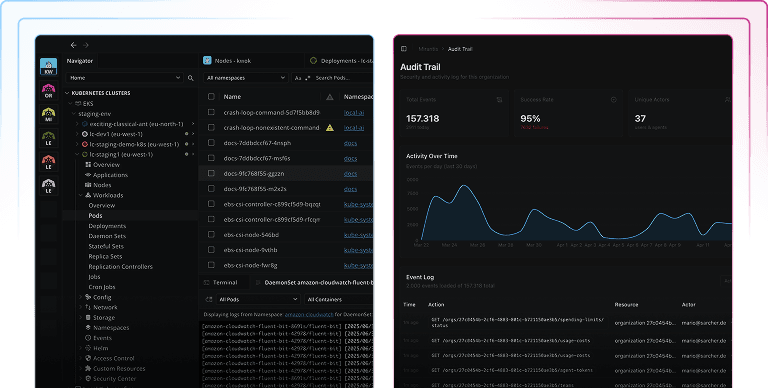
- No audit trail: When an agent makes unexpected changes, you need to understand what it actually did, on behalf of whom, using which tool, and what result its actions had. Without an audit trail, you are relying solely on chat logs, which are not going to help at scale.
And these problems are without getting into compliance pressure. The EU AI Act will be fully applicable from August 2, 2026. This requires audit trails for AI agents, agent identity, and human oversight. If you don’t comply, penalties can go up to 7% of global revenue, and let’s face it, most of the enterprises today can’t even answer which agents are running in their environments, let alone what those agents are actually doing.
This is where Lens Agents come into play.
How can Lens Agents help?
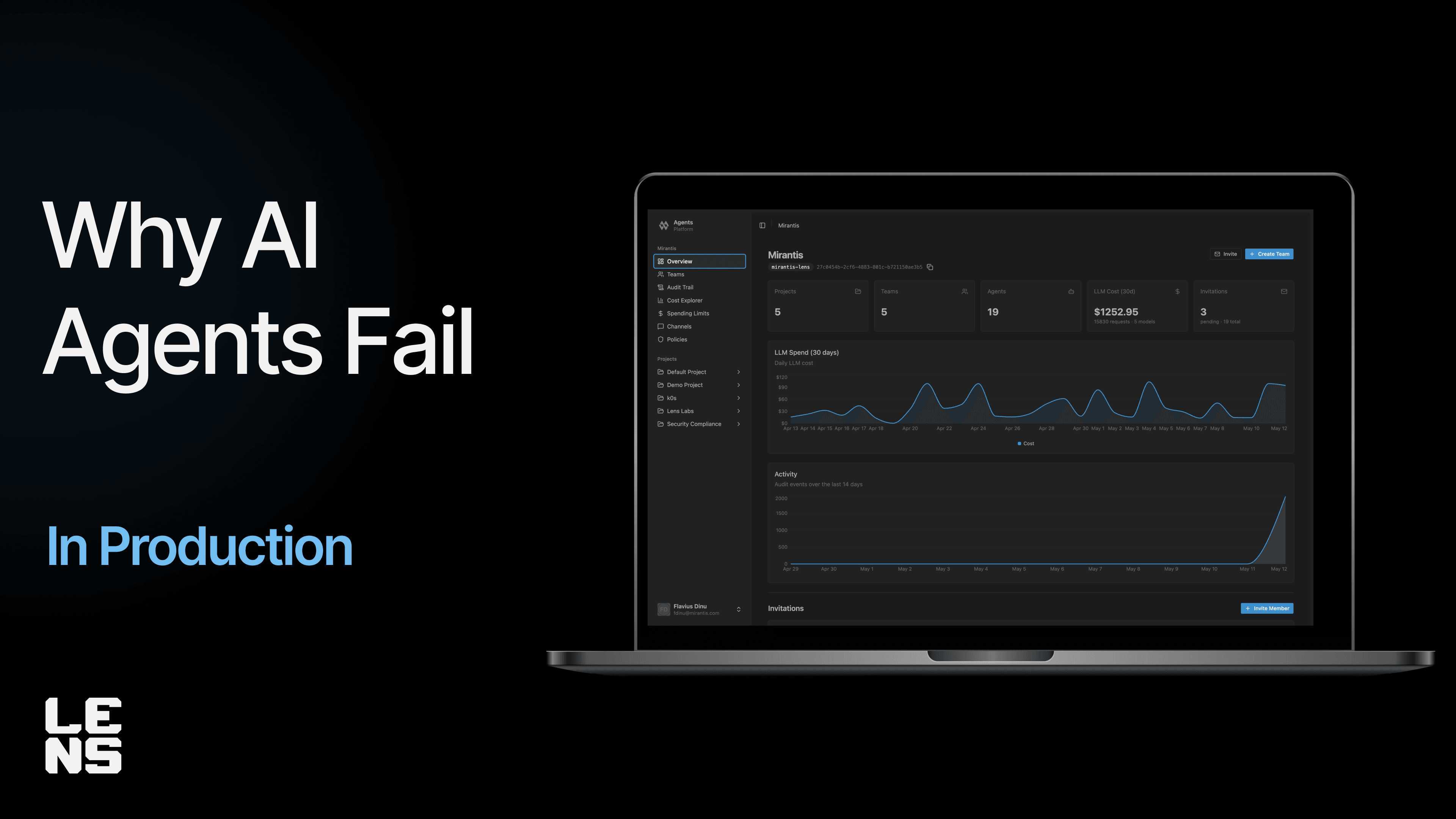
Lens Agents is a governed platform for running AI agents on enterprise systems. You can use any agent, any model, and any environment, and build your custom rules. It was built as one governance plane first, and it offers multiple ways for agents to connect to it.
Here’s how Lens Agents addresses the issues we’ve explored during this article:
- It offers three agent modes. All of them governed under the same policies.
- Desktop AI tools (e.g., Claude Desktop, Claude Code, Copilot, and others)
- External agents built with any MCP-compatible framework (e.g., Claude Agent SDK, CrewAI, AutoGen, and others)
- Managed agents created on the platform (these agents are trained using conversation, no need for complicated config files)
- Every agent is a first-class citizen in the platform and has its own identity: Every action an agent does is attributed to a real identity in the audit trail.
- TLS-intercepting credential injection: Credentials are injected server-side by the sandbox proxy and are never visible to the agent process. You get an ephemeral per-sandbox Certificate Authority (CA) that terminates the agent’s TLS, injects credentials, and re-encrypts to the real upstream. Even if you have a fully compromised agent, the attacker won’t be able to extract credentials, because these never enter the agent’s process.
- Policy engine: Every agent runs under a declarative policy. You can control what the agent can access, what domain it can reach, and which credentials it can use.
- Active budgeting: You can implement budgets per agent, per team, or per organization, and these are checked before every LLM call
- Full audit trail: Every tool call, proxy decision, LLM request, shell command, and sandbox event are recorded and queryable after the fact
Lens Agents doesn’t slow down your AI adoption, but it ensures it’s safe without making you choose between speed and control. A user who moves from a Desktop AI tool to a managed agent doesn’t have to leave governance behind, as with Lens Agents, it can take advantage of the same policy engine, budgeting, and full audit trail.
Conclusion
AI agents work, but just not in the way demos suggest. The teams that are succeeding in production are the ones that are treating agents like any other production system (with governance and observability built-in).
The uncomfortable truth is that AI agents are already inside your organization, but run with your engineer’s credentials, touching your production systems, and leaving no audit trail. You need a way to govern them without sacrificing speed.
If you want to see how Lens Agents can enable you to govern your AI agents, sign up for early access here.