


Containers and Kubernetes are used to build, ship, and run cloud-native applications, which can be a complex process. High-level steps performed by a developer on their machine include packaging the app into a container image, pushing and pulling images to and from the container registry, working with YAML files to define Kubernetes resources, deploying resources using kubectl, and testing and troubleshooting applications
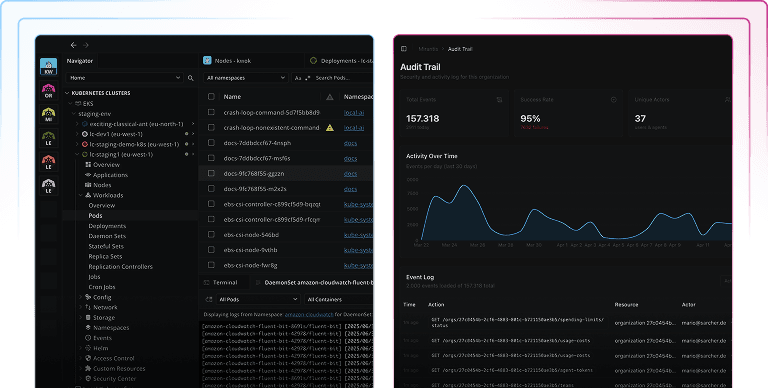
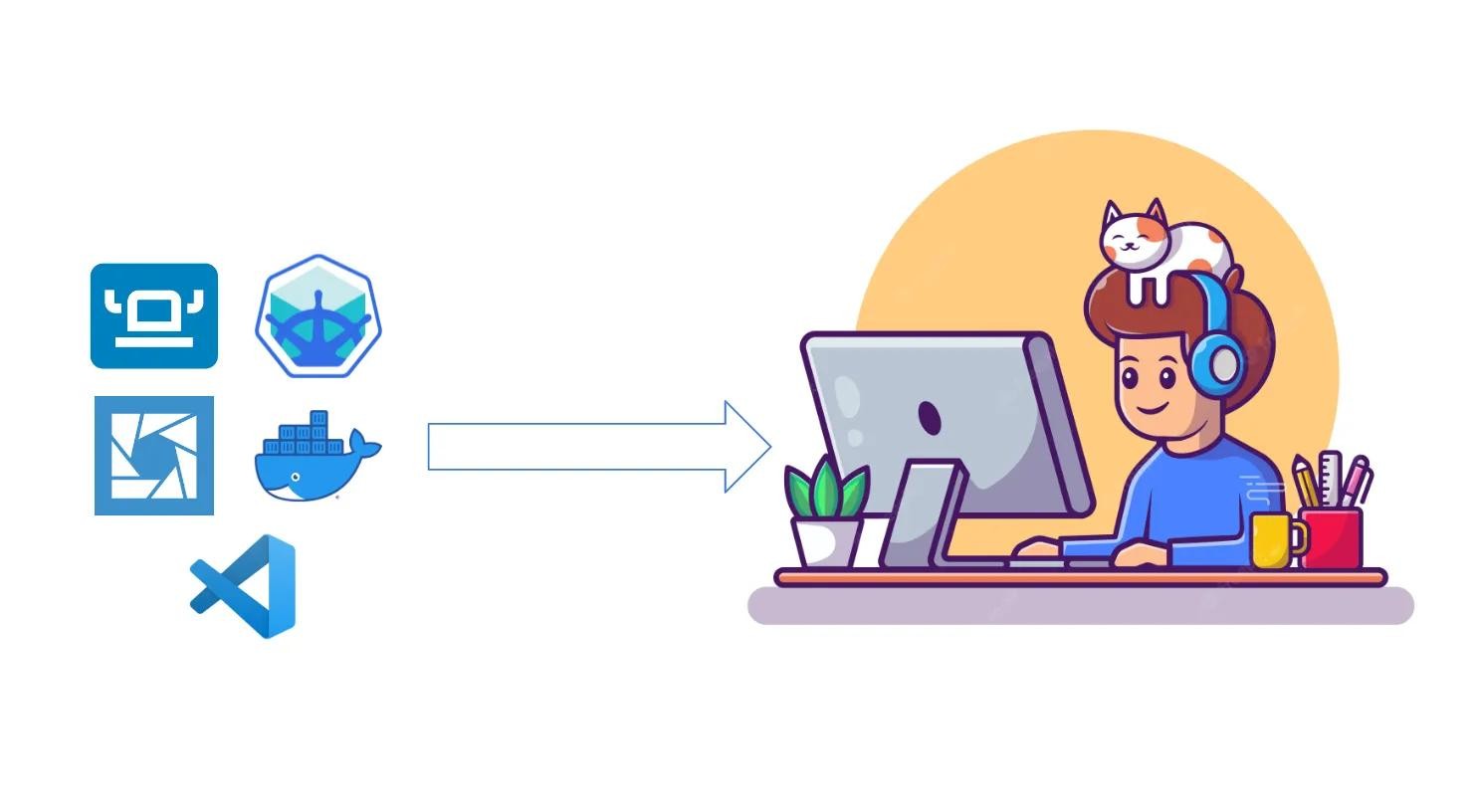
There are multiple ways to perform these steps. Some of the well-known tools in this space include Docker Desktop, Minikube, Lens Desktop, Rancher Desktop, Podman, k3s, k0s, and VSCode. In this article, I’ll talk about these tools and why and how they are used by developers to build, ship, and run applications. Further, I’ll dive into the Lens Desktop Kube feature in Lens 6, which enables developers to consolidate many of these tools down to one, and reduce the complexity of cloud-native development.