


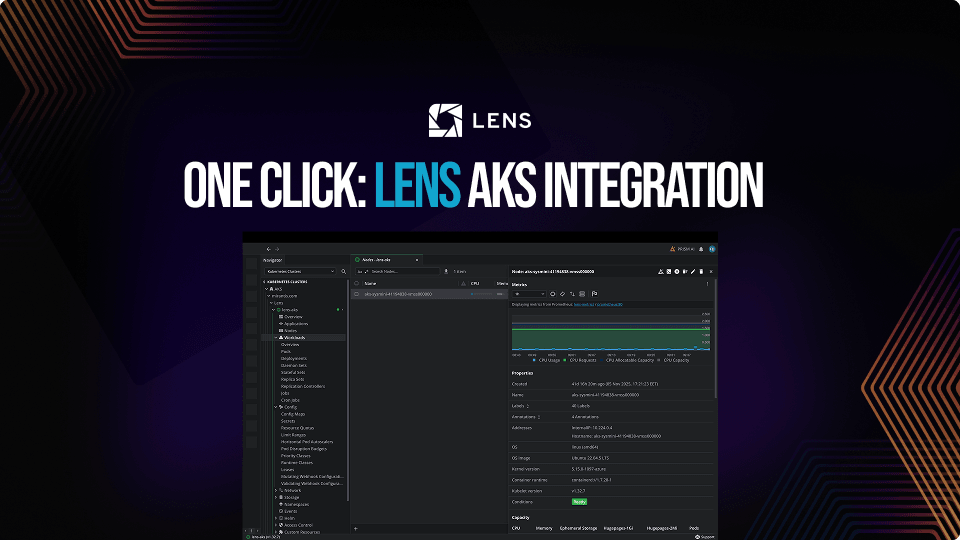
One Click AKS Integration
When you are managing multiple Kubernetes clusters across different cloud providers the process can easily become overwhelming, as you need to juggle multiple kubeconfig files, cloud CLIs, keeping track of credentials, and your platform engineers can often spend more time on cluster access than actual cluster management.
A couple of months ago, we introduced our one click AWS EKS integration to make accessing EKS clusters easier through Lens. Today, we are introducing our one click Azure AKS integration, bringing all your Azure clusters directly into your workflow with minimum effort.
Check out the release notes here.
Why native cloud integrations matter
Traditional Kubernetes management tools require you to manually configure your kubeconfig files for each cluster you want access to. Regardless of your cloud provider, this roughly translates into running specific CLI commands in which you need to specify the cluster name, cluster region, and also ensure that your credentials are updated. This process isn’t cumbersome if you are managing a handful of clusters, but at scale, this can become very time-consuming and error-prone, especially if you have multiple engineers that need to go through the process.
Lens Kubernetes IDE’s Azure integration eliminates this friction entirely. By connecting directly to your Azure organization, Lens automatically discovers all the AKS clusters you have access to, and loads them directly, so that you can start focusing on what really matters: managing your K8s clusters.
Getting started with Azure integration
Setting up the integration takes less than a minute. In the past, for example, if you had 50 Azure K8s clusters that you needed to manage, you had to ensure that you got the credentials for each of them, by using a command similar to this:
az aks get-credentials --resource-group <resource-group> --name <cluster-name>
For each of these clusters, you would need to identify the resource group name and the cluster name, and let’s suppose this would’ve taken approximately 2 minutes for each of the clusters. That's 100 minutes for a single engineer, so the bigger your team, the more man hours lost for just accessing the clusters. If a cluster was modified, you would’ve needed to rerun the command to get the new credentials.
TL;DR?
Now, let’s walk through the process of setting up the process. In Lens Kubernetes IDE, expand the AKS section under Kubernetes Clusters and click the “+” button to add your Azure organization.
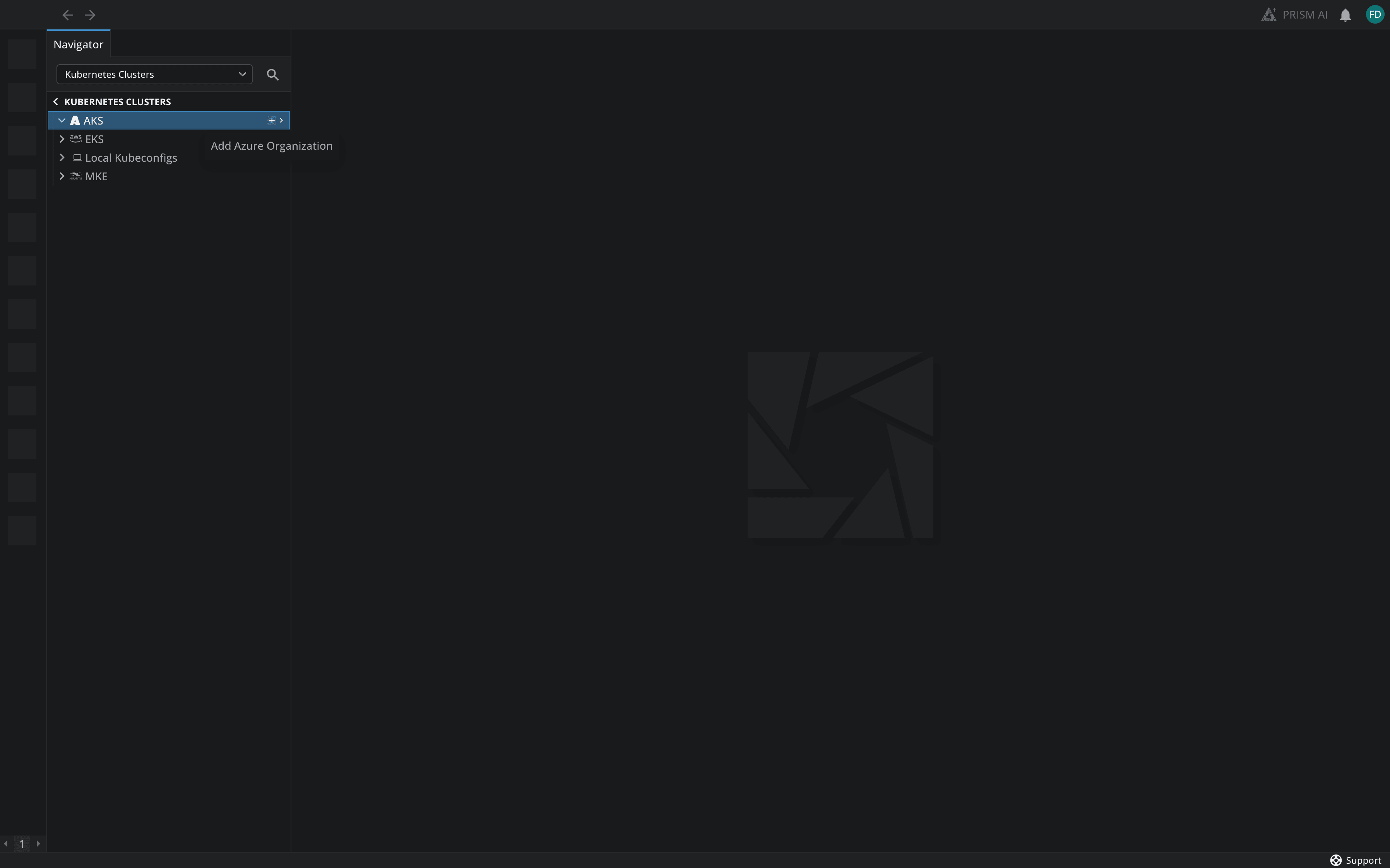
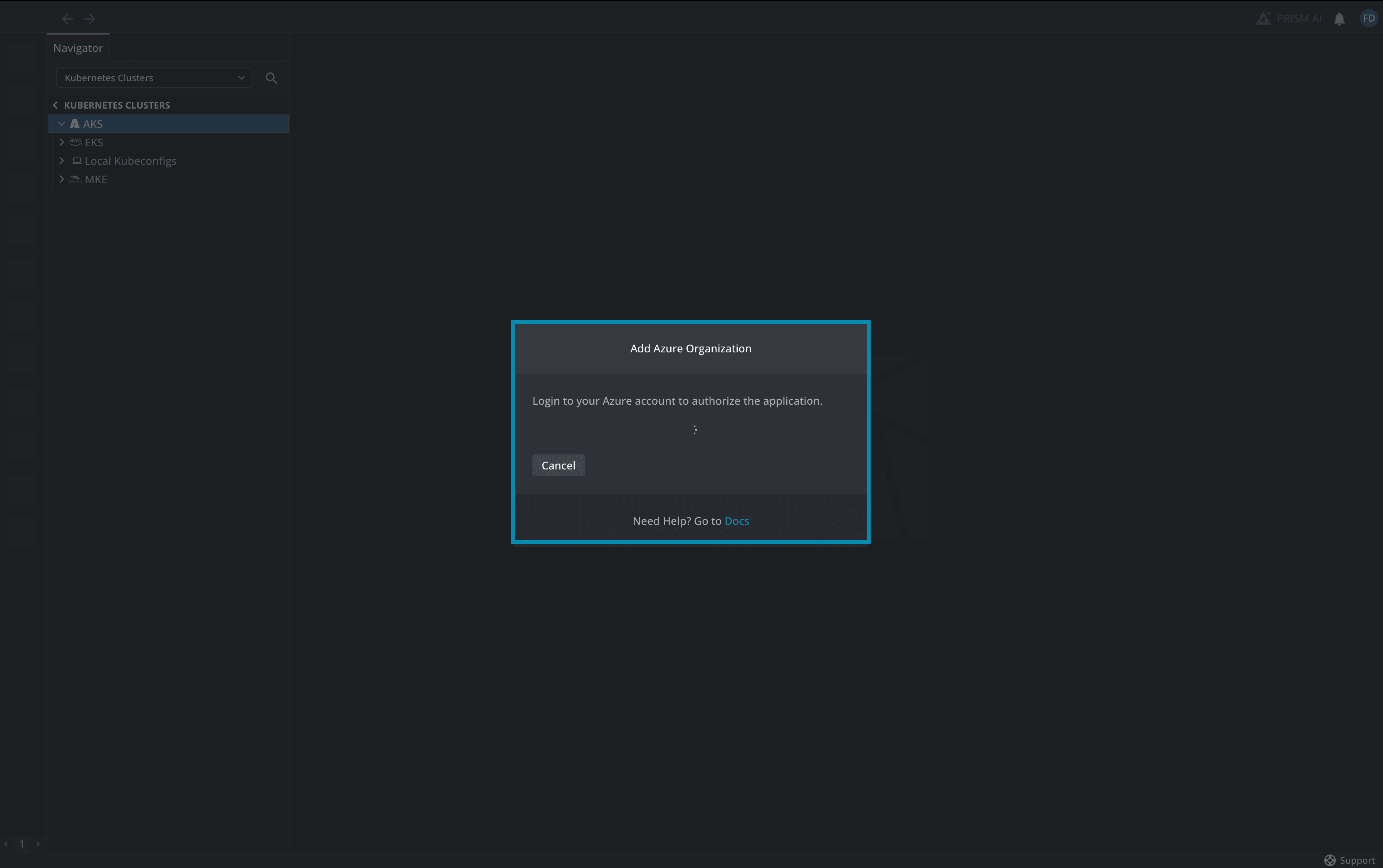
Lens K8s IDE opens an authorization dialog, prompting you to connect to your Azure account, and you will be redirected to the Microsoft Azure login screen:
In this screen you will need to sign in with your Azure credentials:
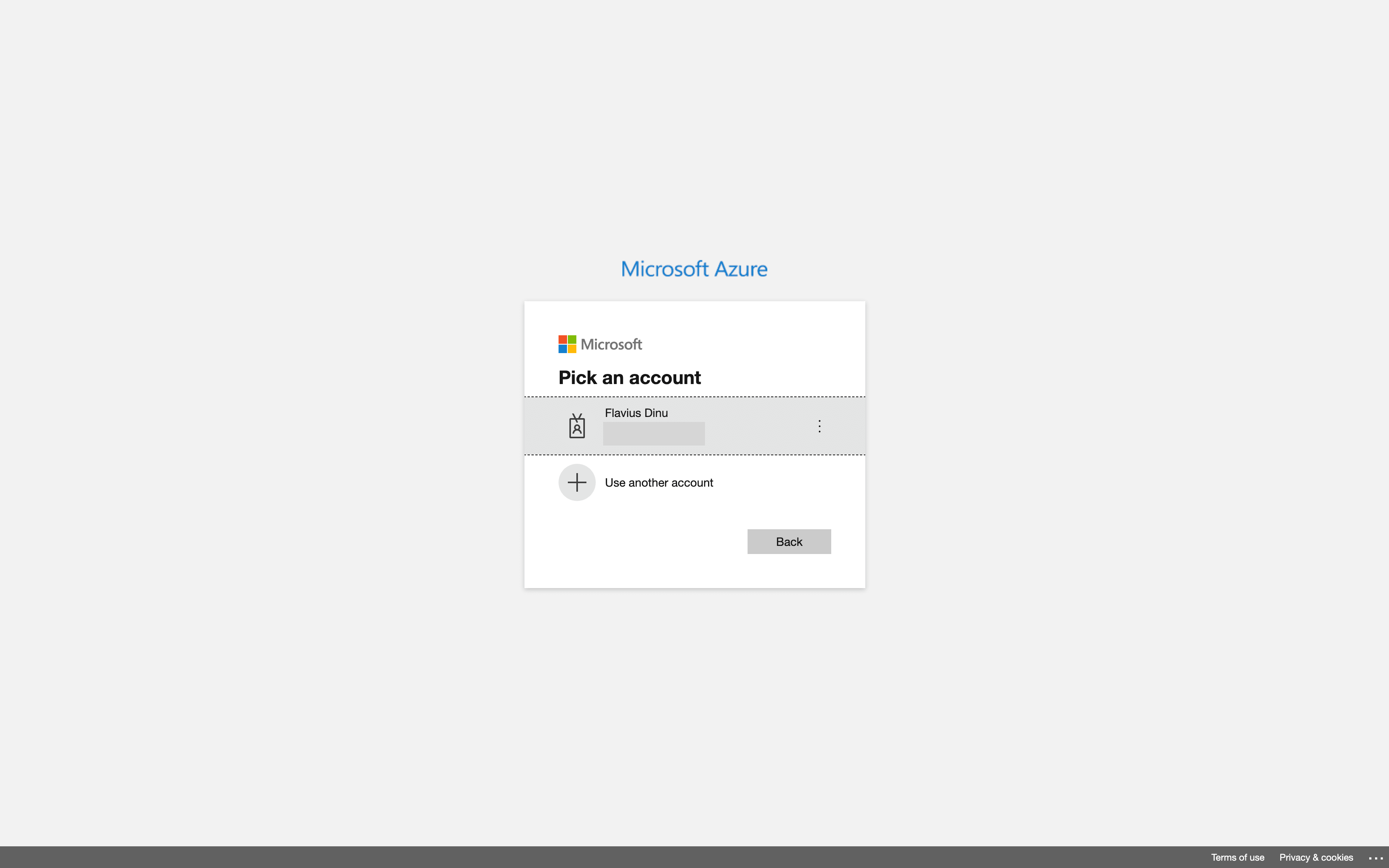
Once you are authenticated, Lens automatically discovers all the AKS clusters you have access to, and each of your clusters will appear in the Navigator, ready to connect to with a single click:
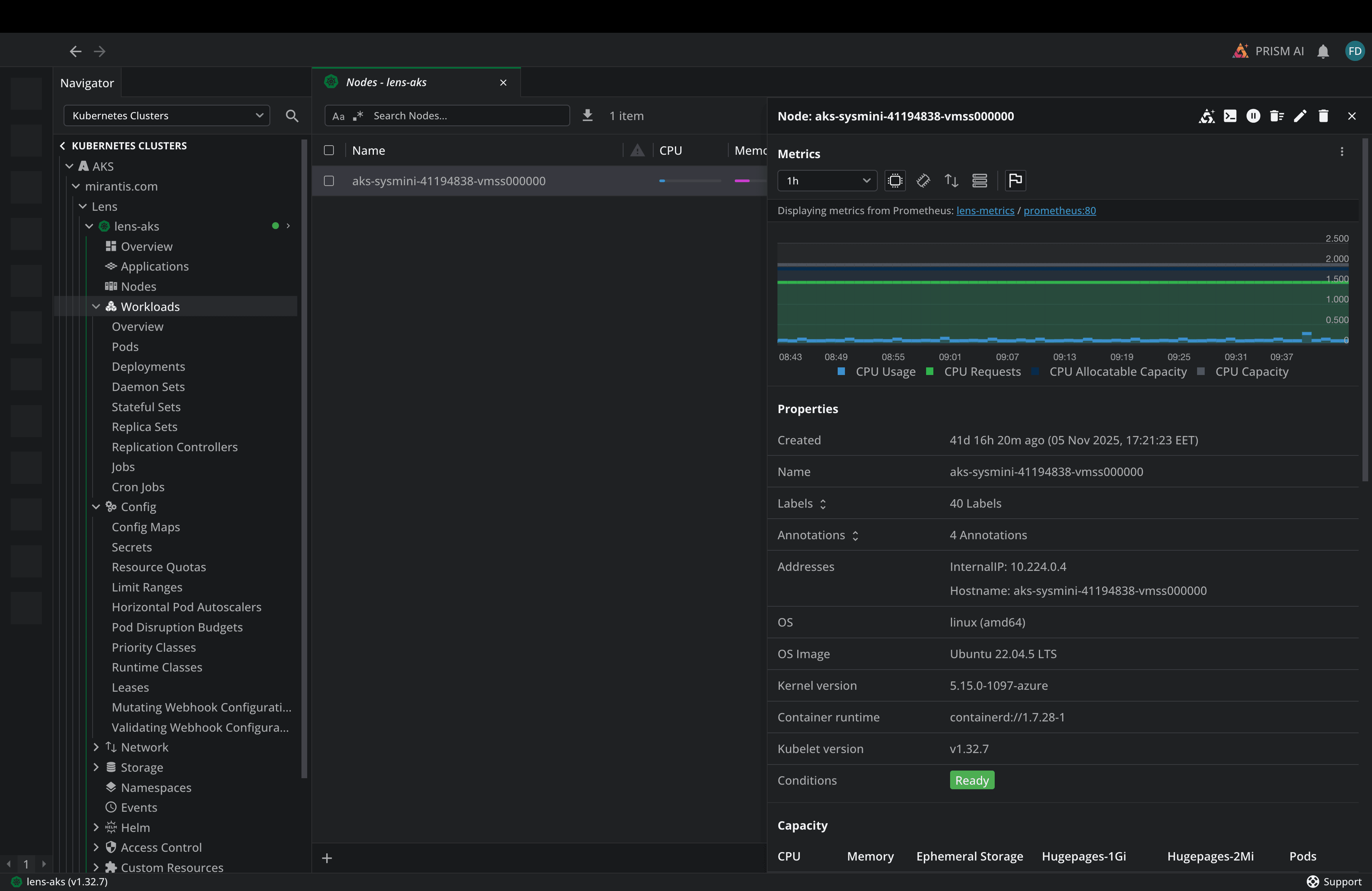
And that’s it, you’ve successfully configured the AKS integration, and you can now start managing your Kubernetes clusters. For 50 engineers that should have access to 50 Kubernetes clusters, this process will take 50 minutes (under 1 man hour). Without the integration, the same process can potentially take 2 hours per engineer (100 man hours), just for simply accessing Kubernetes clusters.
Availability and Pricing
The AKS integration is available in Lens Kubernetes IDE’s Premium plans (Plus, Pro, and Enterprise), so ensure that you are using one of these plans if you want to simplify your AKS cluster management.
Conclusion
With our new AKS integration you can enable instant cluster discovery, saving a lot of time, and ensuring the process goes smoothly without any errors or misconfigurations.
If you are already running AKS and want better visibility, faster troubleshooting, and better workflows, Lens Kubernetes IDE is a natural companion worth adopting.
Ready to experience Lens Kubernetes IDE? Join over 1 million Kubernetes users worldwide who trust Lens to manage and observe their clusters with confidence. Book a demo with one of our engineers to learn more about how Lens Kubernetes IDE can help you.